Introduction
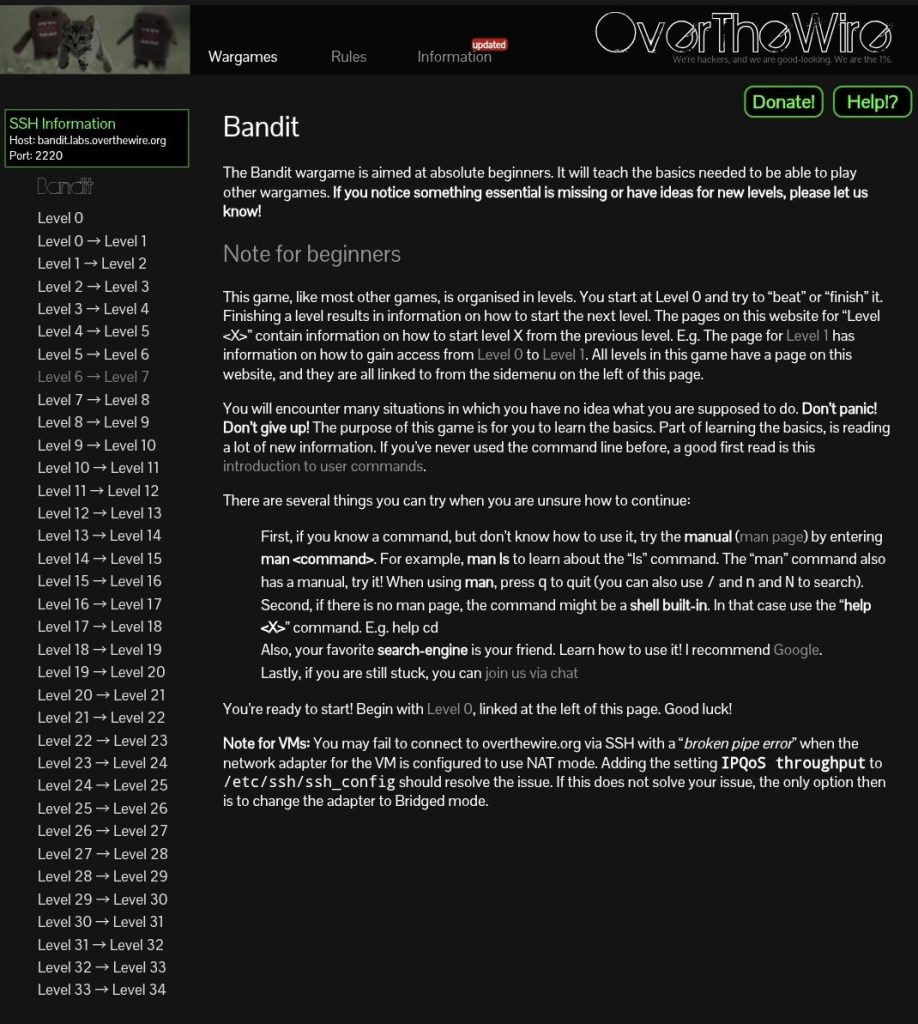
If you’re learning cybersecurity or ethical hacking, the OverTheWire Bandit
wargame is one of the best places to start.
It teaches real Linux skills through
hands-on practice instead of just theory.
In this post, I’ll show how I solved Bandit
Level 0 step by step, including the exact commands I used and what I learned.
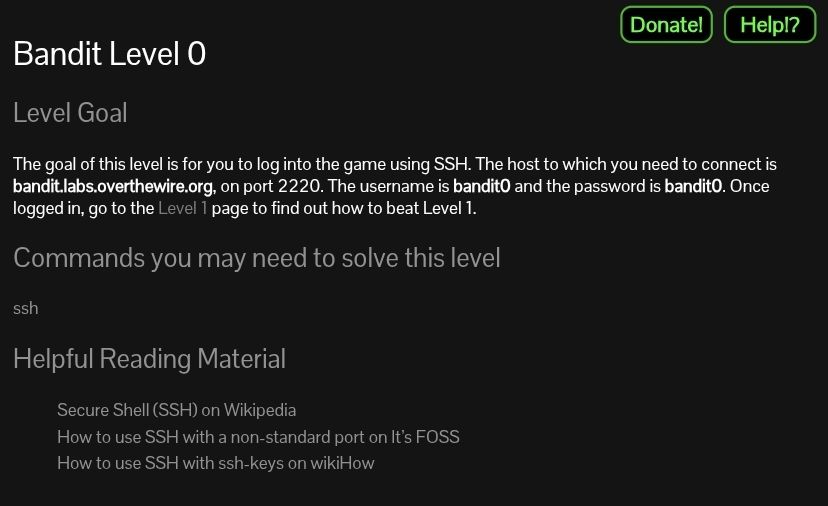
Goal
Connect to the Bandit server using SSH
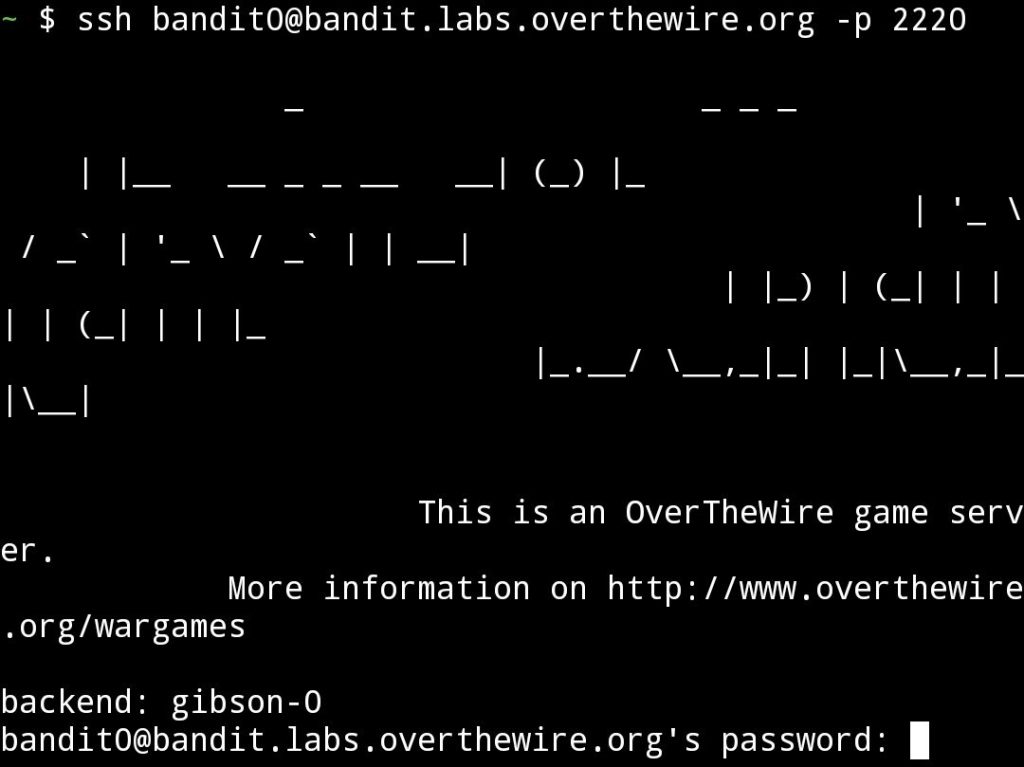
Step 1: Connect via SSH
ssh bandit0@bandit.labs.overthewire.org -p 2220
Explanation
- ssh → used to connect to a remote server
- bandit0 → username
- -p 2220 → specifies the port
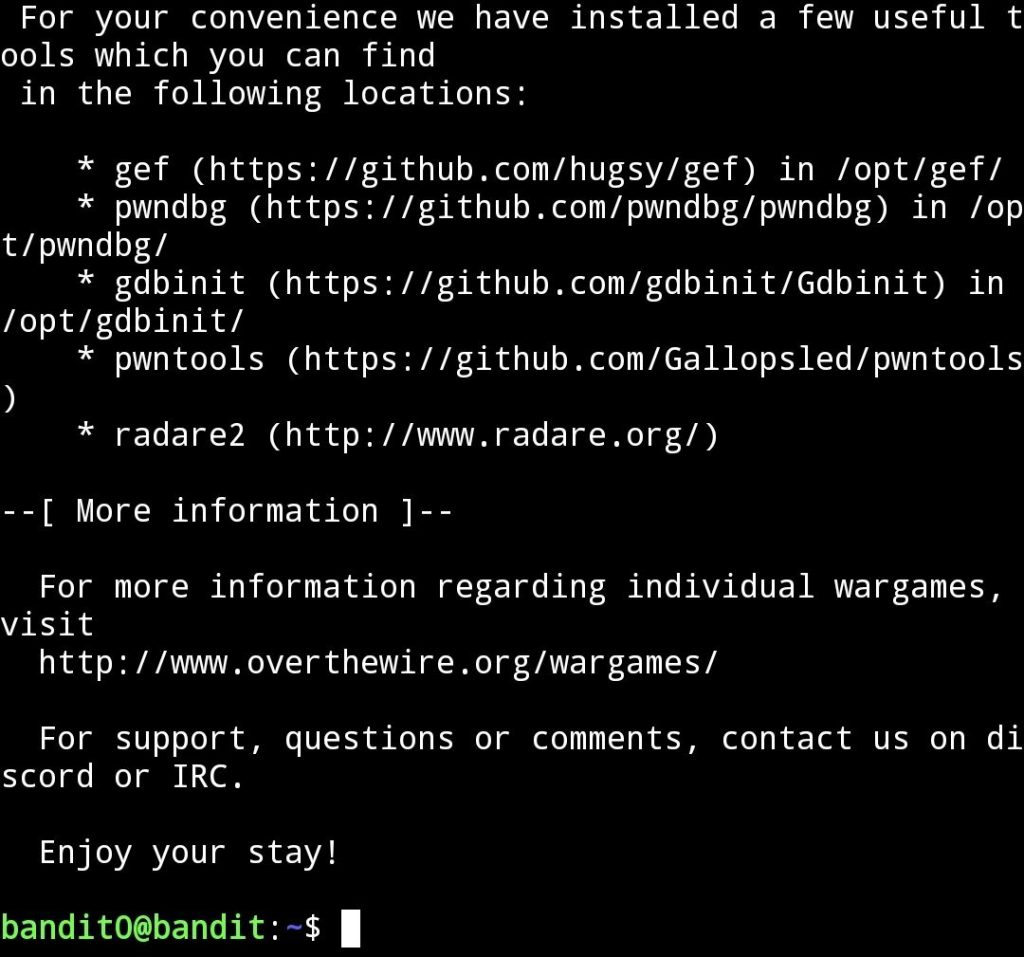
password
bandit0
When typing the password, nothing will appear on the screen. This is normal in Linux.
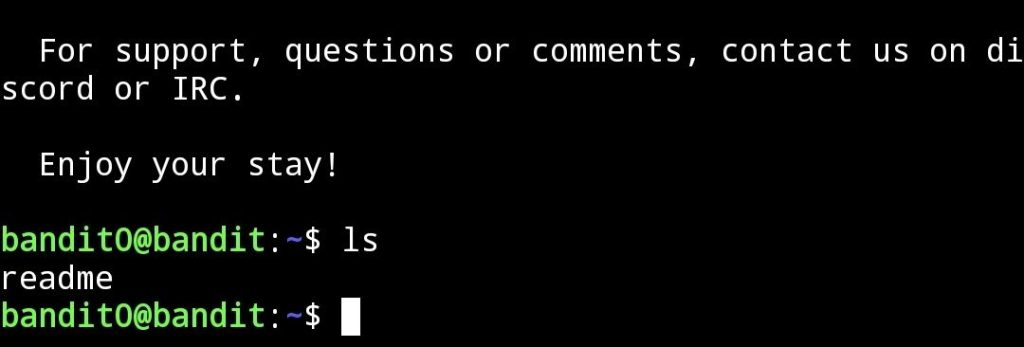
Step 2: Check Files
ls
readme
Step 3: Read File
cat readme
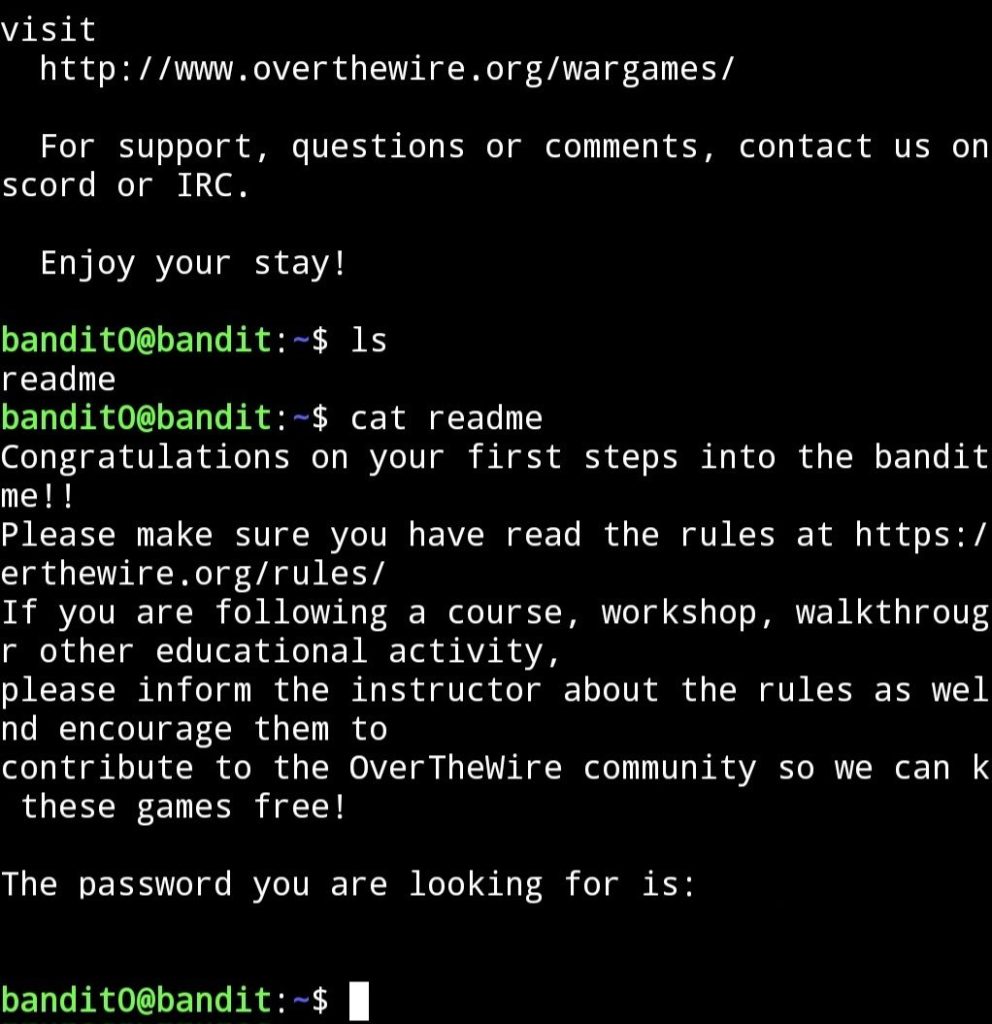
Result
The password for the next level is revealed inside the file